This course is exactly what I need in order to commence my Flutter development. I’m only half way through, so far, but this is enough to convince me that Flutter is indeed the best way for me to proceed.
There are step-by-step instructions for building a number of simple apps. Although I am copying the code provided, it is helping me to gain an understanding of how the Dart language is used to nest widgets in order to build up screen layouts. Here are photos of the two apps that I have built with this course to date:
A basic (non functioning) pizza ordering app
A basic (functioning) journey cost calculator
The tutorial uses Visual Studio Code as it’s IDE, whereas I am using Android Studio, due to my familiarity with it. There have been a few instances where I’ve needed to use Google to find the AS equivalent of a VSC keystroke or function, but on the whole, it hasn’t really posed much of an issue.
The tutorial also uses an earlier version of Dart. I came across a situation where a void class was used in the tutorial to return a null response, which worked fine for the instructor. But when I came to run the code, Android Studio flagged an error. A little research informed me that Dart version 2 treats void classes differently to version 1. I need to find and take a general Dart course to help me to become comfortable with Dart, and fully understand this void situation. However, I managed to overcome the runtime error by bringing the commands within the void class into the main class. I know that this is not the optimal solution, but with my current lack of Dart knowledge, it was the best fix that I could apply to make the app work as it should.
When I compare my (albeit, currently short) experience of Dart and Flutter to a similar point in my learning Java for Android, Dart and Flutter seem to be so much easier to take on board. It took me a long time to get to grips with Java (the first real Object Orientated Programming language that I had experienced). Although I was beginning to feel some semblance of a level of confidence with it come the end of my nanodegree course, I was still unable to build complex code structures, such as recycler views, asynchronous tasks and JSON readers, without following along with a tutorial. I’m sure this will be the same with Flutter, but I suspect that this stage will not last nearly as long, as the code seems to be far simpler. Flutter also offers on-screen options that appear as you commence typing, making it a far more intuitive coding experience than Java is. Having said that, I fully appreciate that the Java learning experience is helping to make learning Flutter easier than it otherwise would have been, so i still consider that to be time well spent.
The hot reload function that Flutter offers is also a huge development-time advantage over the Java method of rebuilding the app every time you want to see your code running on a device or emulator. After the first load,hot reload simply sends and implements just the changes that have been made to the code, and so it is infinitely quicker, less than a second in some cases (as opposed to minutes), saving a considerable amount of development time over the course of a project.
This early on, the one area that is causing me problems (so far) is using the correct bracket type – (,{ or [ – and punctuation marks – colons, semicolon and commas – in the right place for the widgets to be properly nested. It can get quite confusing, but it’s just a case of practice makes perfect. Completing this course and going through the other 2 Flutter courses will provide me with plenty of practice in this area, but I also think that a general Dart beginners course will be really useful with this too, so I will seek some out.
In addition, I have sourced a kindle book for Dart, which I will start reading soon. I have also just discovered an article on Medium that lists a number of IDE shortcut keystrokes that will be very helpful with getting this right.
I can see a lot of potential for Flutter. I have very much enjoyed my first real experience with it, and I’m looking forward to spending a lot more time learning. Disappointingly, for the next couple of weeks, the app jam will have to take priority and so I will be unable to afford as much time as I would like, if any, with Flutter tutorials. I’m hoping that the workload will calm down a bit after that, so I can get the opportunity spend some good quality time establishing some solid Flutter skills.
This course runs for less than an hour, and so I wasn’t expecting too much from it. It was too early in my learning to be looking at integrating Firebase with Flutter apps really, but it was worthwhile in so far as I now have a conceptual appreciation for the functionality, and I can always come back to the video when I am at a point where I need to integrate Firebase.
This course runs for less than 2 hours, so I didn’t expect to emerge from it with any level of expertise, but I was still left a little disappointed. While it was interesting, I didn’t find it particularly instructional. It did, however, give me a flavour of what to expect from Flutter, which was good, but I certainly didn’t feel equipped to start coding afterwards. Not to worry, this just the first of 5 courses that I have lined up…
Following last week’s in-depth research into development strategy options (which actually ran well into this week too), I’m keen to roll up my sleeves and get stuck into learning how to develop Android & iOS apps with Flutter.
I’m sure there will be a certain amount of commonality between them, but going over the same things a few times can only do me good in the long-run, and it will be interesting to see different perspectives, and whether there are alternative ways of doing things.
On the flip side, I am expecting each course to have at least some unique content, and so I think it will be highly beneficial for me to work my way through all of these courses, and more besides.
The course videos provided a good starting point for investigating the wealth of development strategies that I could adopt. It is clear to me that my choice of strategy is a key decision at this point and I need to take the time to make the right decision.
My priority, when considering my options, is that I need to be confident that I am able to achieve my objective of developing mobile apps that are accessible for at least the majority of the market. So, my first step is to get a feel for the state of the market for operating system platforms to see who’s currently buying what:
The Mobile Device Market By Platform
I looked at the Statcounter website to get the latest available data. To start with, I pulled up the market share at a global level:
Worldwide: Android 75.4%, iOS 20.8%, other 3.2%
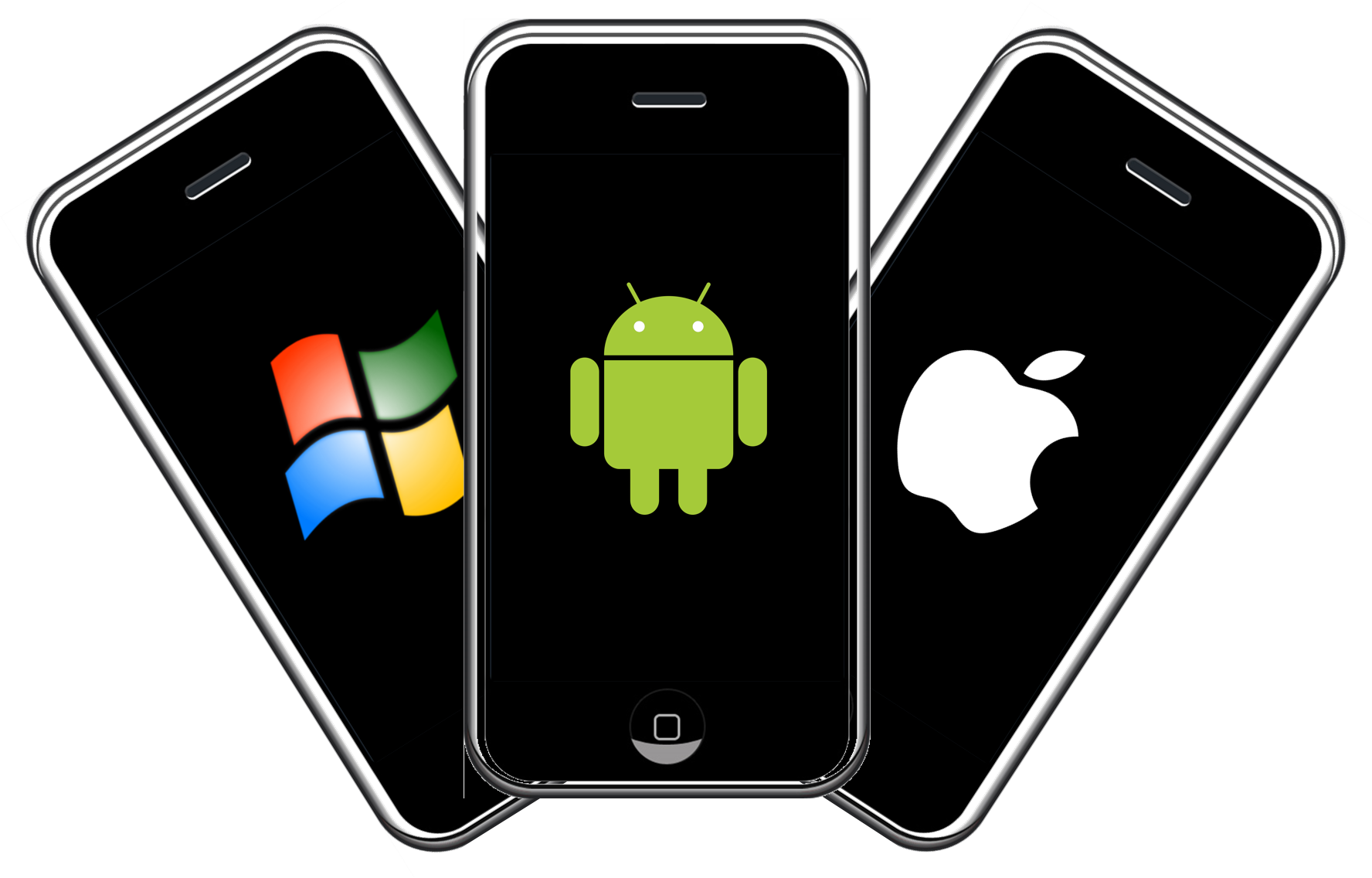
I was already aware that the market for mobile devices is essentially a duopolistic situation. However, I was surprised to learn that, globally, Android is the clear dominant force, claiming an average market share over the past year of 75.4% compared to that of iOS at 20.8%, and together, claim almost all of the market between them. All other operating systems combined make up only around 3.8% of the global market for mobile devices over that period.
So I thought it would be interesting to drill down to see how the market looks at a continent level:
Africa: Android 79.6%, iOS 7.5%, other 12.9% Asia: Android 83.2%, iOS 11.8%, other 5.0% Europe: Android 71.0%, iOS 27.3%, other 1.7% North America: Android 49.3%, iOS 50.1%, other 0.6%Oceania: Android 44.1%, iOS 54.6%, other 1.3%South America: Android 86.8%, iOS 10.3%, other 2.9%
It’s interesting to see the differences between the continents. I would assume that the factors behind this largely revolve around price sensitivity, technological capability, and the breadth of app availability. Android is an open source platform, with many contributors to it’s development, whereas iOS has Apple in control. Android is therefore a far more flexible platform than iOS. The Open Handset Alliance is a group of 84 technology and mobile companies who have come together to accelerate innovation in mobile and offer consumers a richer, less expensive, and better overall mobile experience through the Android platform. This enables a broader range of device options across a much wider spectrum of price points, opening up the possibility of mobile device ownership, particularly so in the more price sensitive markets. The network effects of this, coupled with the relatively uncomplicated app market (compared to iOS) make it a more attractive platform for many 3rd party developers, which in turn leads to a greater breadth of app choice for Android consumers. Loyalty for both platforms is high, although slightly higher for Android.
I then went on to examine the data for several country level markets. I wont include them all here, but as the UK and the USA are probably my most relevant markets, here are the relative market share for these countries:
UK: Android 47.4%, iOS 50.9%, other 1.3% USA: Android 44.4%, iOS 55.1%, other 0.5%
Even though I was certain that I need to develop for Android and iOS platforms, examining market data was a worthwhile exercise for 2 reasons: firstly, I have now confirmed that my assumptions were sound, and secondly, I had no idea whether or not I should also consider the need to develop for other platforms (I had Windows in mind in particular). The conclusion I draw from the market share data is that I definitely need to develop for both Android and iOS platforms in order to reach almost the entire market, but I don’t consider the other mobile platforms as being particularly significant for me. At least, not sufficiently significant to allow it to influence my choice of development strategy.
Strategic Options
Now that I know that I am targeting Android and iOS platforms, I need to consider the 3 high level routes :
Native Development
Progressive Web Apps
Cross-Platform Development
Native Development
Built specifically for a single platform, native apps are written languages that the operating system is specifically designed to accept (Java or Kotlin for Android, and Objective-C or Swift for iOS. Native apps tend to offer a better user experience, superiority in terms of performance and they don’t necessarily require an internet connection (unless remote data storage reading/writing is required). The major setback is the need to develop a completely separate code base for each platform, which has a big impact on resource requirements (time, expertise, cost) across the entire development lifecycle.
Whilst it would be essential to be essential for me to develop an expertise in two languages and build and maintain two separate code bases, I do already have a certain amount of experience with Java for Android and so I consider native development to be a viable option for me.
Progressive Web Apps
Effectively, a mobile website built with JavaScript frameworks, designed to look, feel and work like a native app. This route provides a number of benefits, including a single code source accessible to any platform with a browser, a fast responsive user interface and no need to go through an app store (this has it’s pros and cons). However, there are some drawbacks, which include: limitations on the accessibility of device hardware accessories (particularly on iOS), increased battery power requirement and limited access to plugins (such as Facebook login & verification facilities). Furthermore, from a personal point of view, I have no web development experience whatsoever and so I would be starting from scratch.
I feel that, for my purposes, the downsides outweigh the benefits, and so I’m dismissing progressive web apps as a viable way forward for me.
Cross-Platform Development
There is a mind-boggling wealth of framework tools that provide the capability of developing apps that run on both Android and iOS (and other operating systems in some cases). A single code base is written and maintained in language(s) specific to the chosen framework, which then employs a translation process (compiler, interpreter, virtual machine) to create compatibility with the target operating system.
The major benefit of adopting a cross-platform strategy is the efficiency of one code base serving both platforms is common to all of the framework tools. The common disadvantage is that they tend not to achieve the performance metrics that native apps do. Each framework has arguments for and against it’s adoption, which makes for an overwhelming compare and contrast exercise.
I have done a lot of reading around cross-platform frameworks this week, assessing the relative advantages and disadvantages of many of the more popular options (such as Reactive Native, Xamarin, Ionic and Apache Cordova, to name but a few). It’s not feasible for me to go into any depth of analysis, comparing and contrasting each against the others here, but I did find it difficult to find any one framework that offered a clear advantage for me.
Up until last week, I had no appreciation for the number of cross-platform tools that are available. However, I had come across Flutter, which I find to be an attractive proposition, and so I have been using this as a yardstick against which to compare the various framework options.
Flutter is Google’s free, open source mobile app SDK for crafting high-quality native experiences on iOS and Android in record time, using a single codebase .
Flutter uses Dart, a modern and concise, object-oriented language , which is compiled “ahead of time” (AOT) into native code for multiple platforms. This allows Flutter to communicate with the platform without going through a JavaScript bridge that does a context switch, achieving excellent app performance, and near instant app startup times, that outshine all other cross platform development methods. Additionally, the hot reload functionality (which uses a just in Time compilation model to compile in real-time) makes for a far more efficient development experience as there is no need to rebuild the entire code base every time – it just implement the changes. Dart being a relatively straightforward language to learn is also a big draw for me, as I still currently consider myself to be little more than a coding novice.
All things considered, Flutter remains a favourite option for me. However, I’m not without my reservations, chiefly due to it’s lack of maturity as a framework. That said, the risks are somewhat mitigated by the fact that Google is investing heavily in the development of Flutter (including compatibility with the web, as well as Google’s currently in development operating system, Fuschia), and it is currently widely considered to be the fastest growing SDK, with the fastest developing community (which appear to be incredibly enthusiastic, altruistic and loyal ).
In conclusion
I have decided to give Flutter a test drive to get a hands dirty insight into it’s potential. If that doesn’t work out for me, then I will revert to plan B, which is the native approach, where I pick up where I left off with Java for Android, and, then learn Swift for iOS, once my Java capabilities have been sufficiently developed.
I have identified a number of sources of tutorials, which I will engage with, in order to test my theory that Flutter is the future, and best choice of app development strategy for me.
This paper compares the performance of ten of the
most popular Cross Platform Tools (CPTs) for app development, relative to that
of native tools. The CPTs are tested on
Android, iOS and Windows platforms (where possible) and are categorised as
either:
Javascript
frameworks & web-to-native wrappers
Runtimes
Source
Code translators
A fourth category of ‘App factories’ is acknowledged,
but excluded from the comparison due to their limited and simplistic nature.
The performance criteria used for evaluation are:
Response
times
CPU usage
Memory usage
Disk space requirements
Battery
usage
Generally, the overall findings show that the performance of native apps are superior to that of any of the CPTs. The paper also goes on to acknowledge that the use of CPTs can have an impact on specific functional aspects of mobile applications, such as capability with complex algorithms and device resource accessibility.
Up until now, I have been considering pursuing the use of Flutter as a cross platform development tool. This paper has suggested that I need to undertake further research into the performance and other capabilities (and limitations) of Flutter, and whether the benefits of developing a single app for both Android and iOS platforms outweigh the limitations that this approach might present.
I will also investigate some other CPTs, such as Xamarin and React Native, in order to gain wider perspective, and an appreciation for what options are available along with their relative pros and cons. At this point, I remain undecided.









 My Journey to App Success