

Having established the concept for my app, I set to work mapping out the process flow, in order to build up a picture of what screens are required, and how they should interact with each other to provide the user with logical paths, and decision points, from start to finish. Green boxes represent a screen and yellow diamonds represent a user decision, leading to alternative paths through the app:
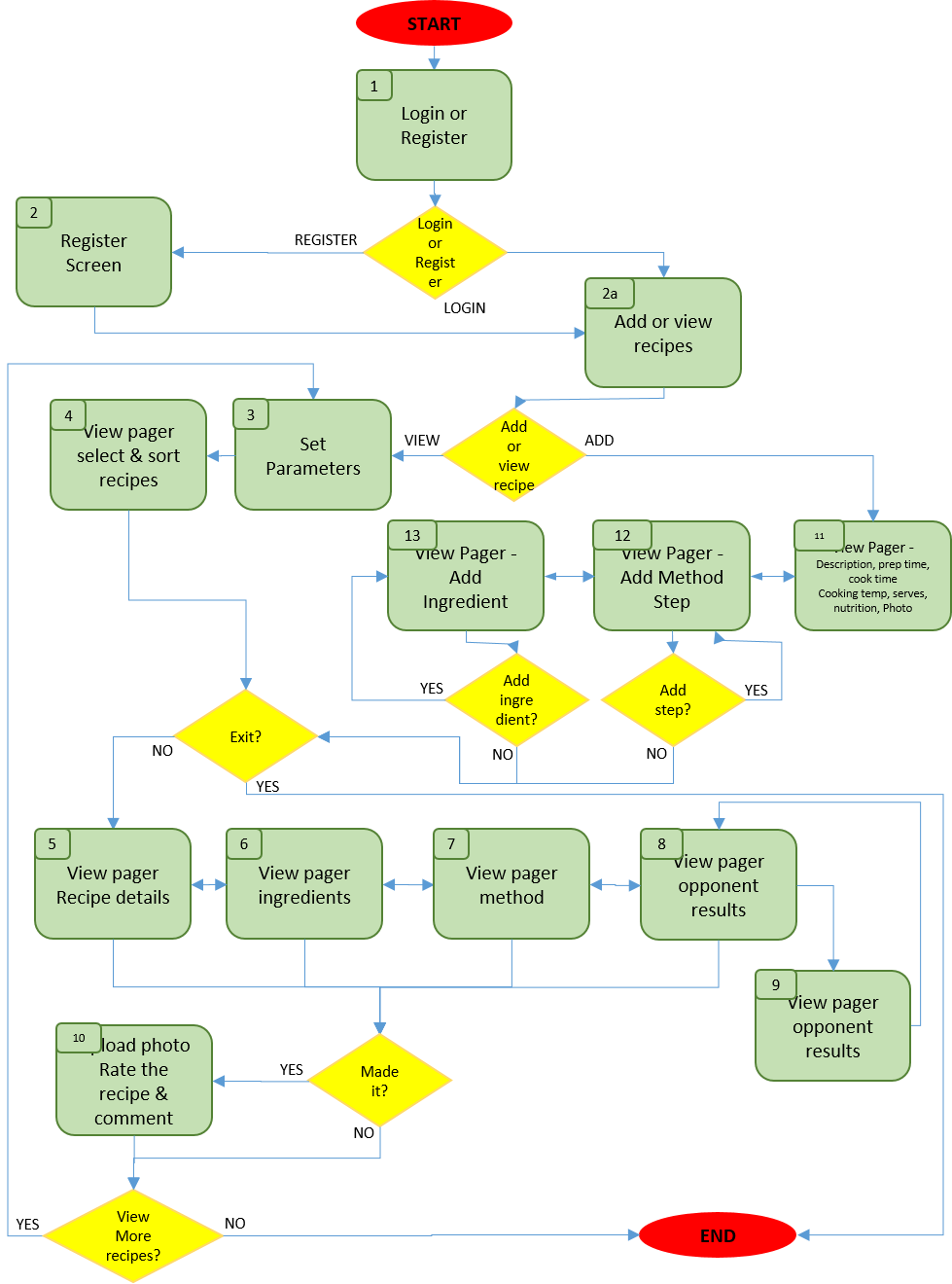
Constructing a process flow diagram like this is very helpful in charting the various paths that must be provided for the user to intuitively move through the app, and the purpose of each screen that needs to be presented along the way.
Having learned from my experience in the creative piece from week 1, I constructed an initial version of this process flow diagram, and amended it when I identified any anomalies as I worked my way through the process of building screen layout prototypes. The final version is presented above.
As a starting point for prototyping, I spent some time roughly sketching screen layouts, which helped to clarify the purpose and features of each of the screens, and to refine the process flow diagram.
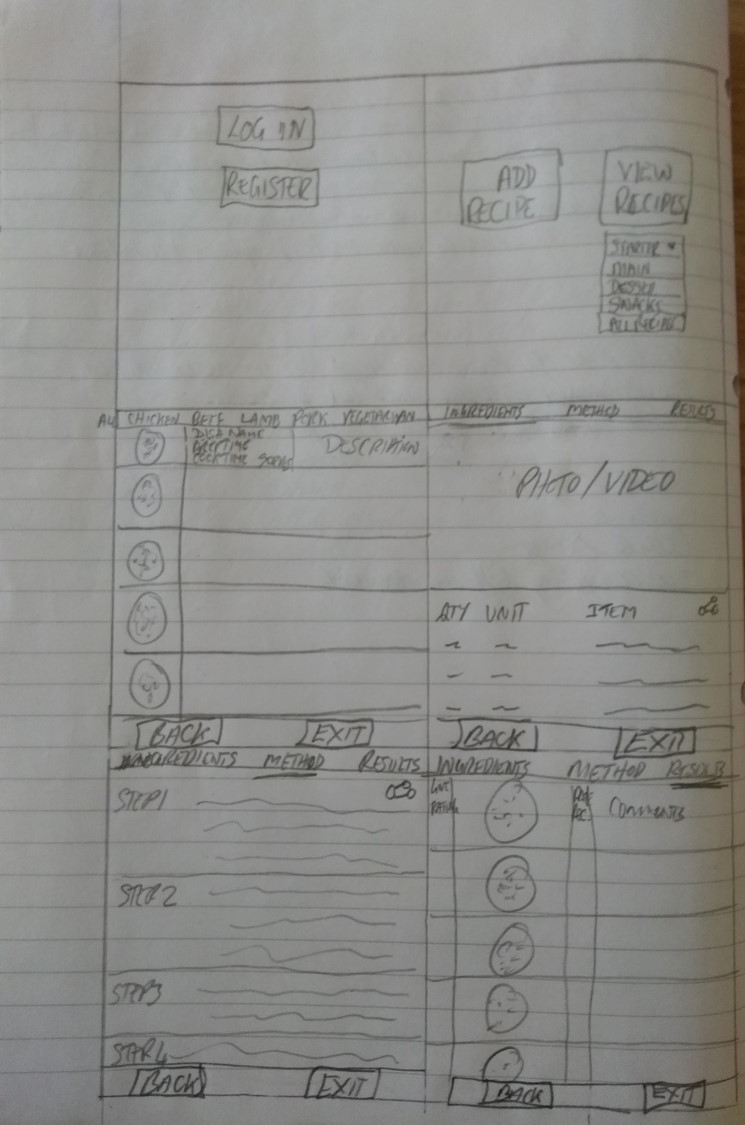
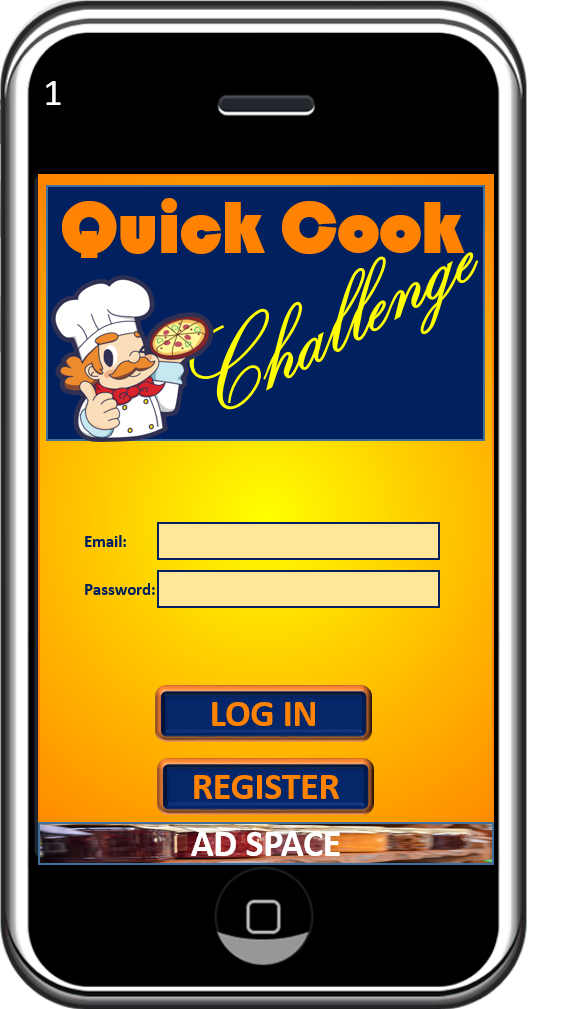
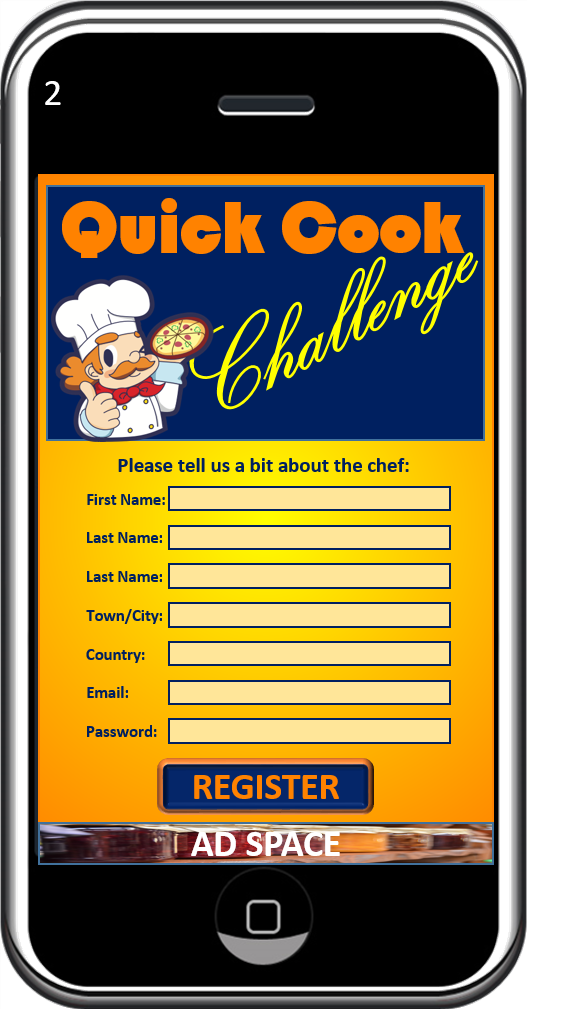
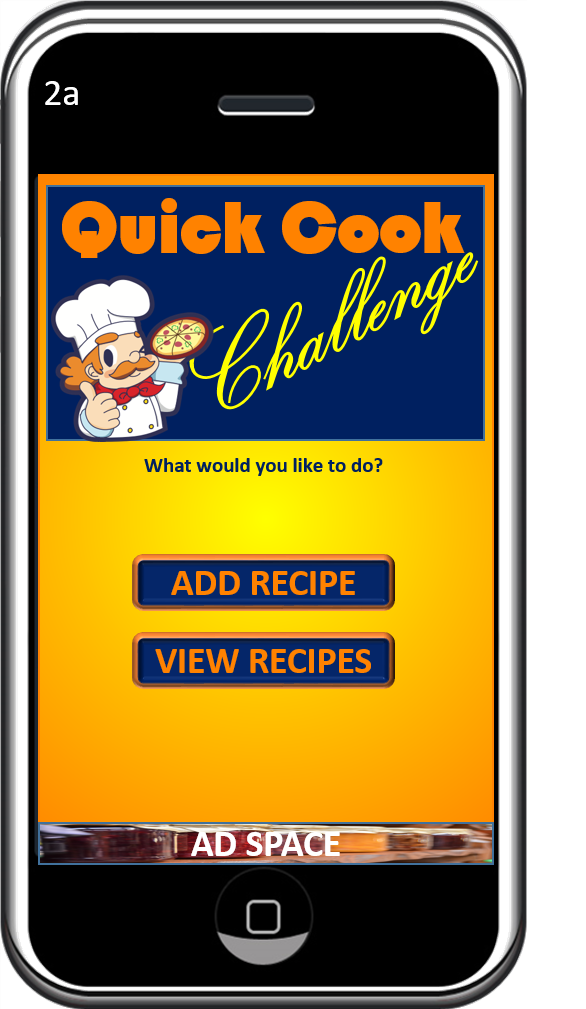
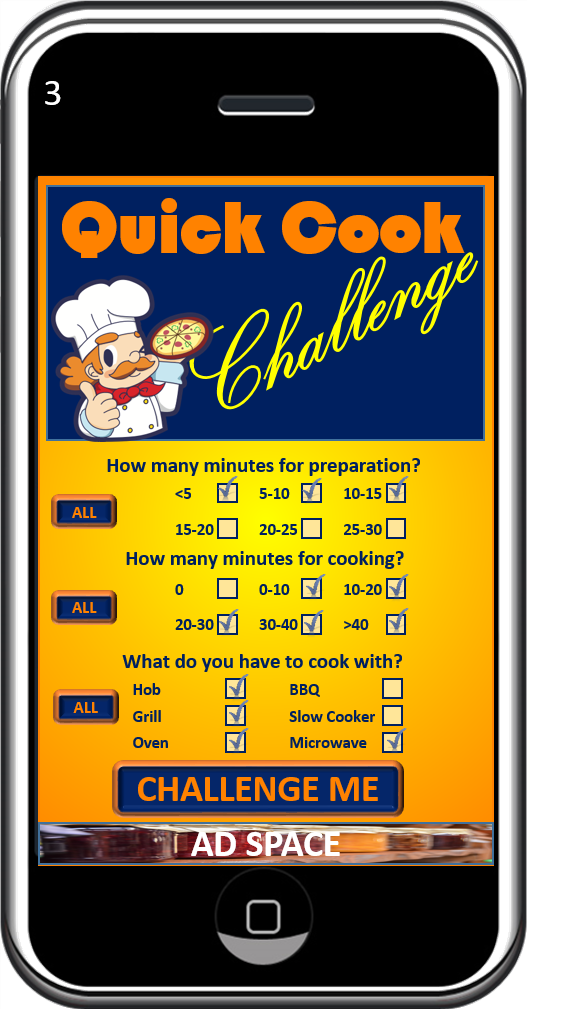
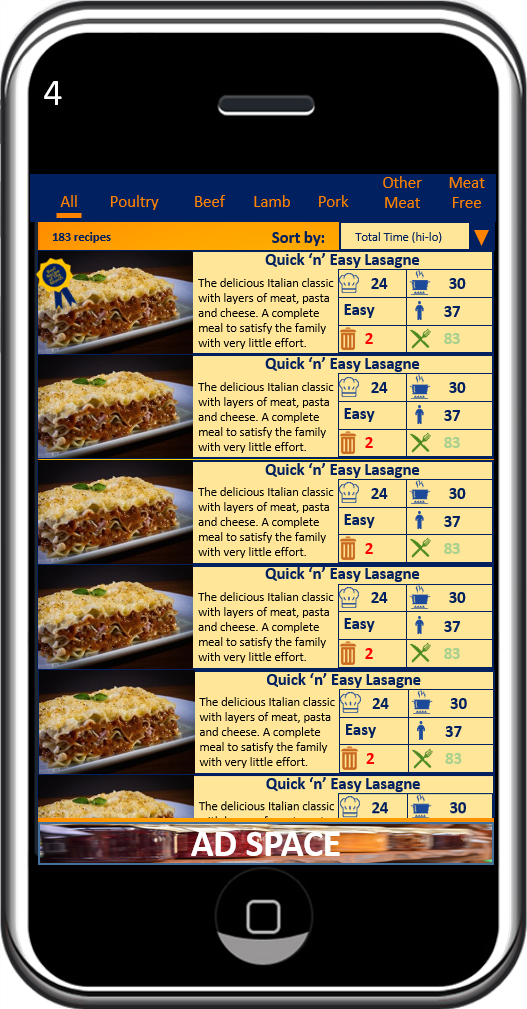
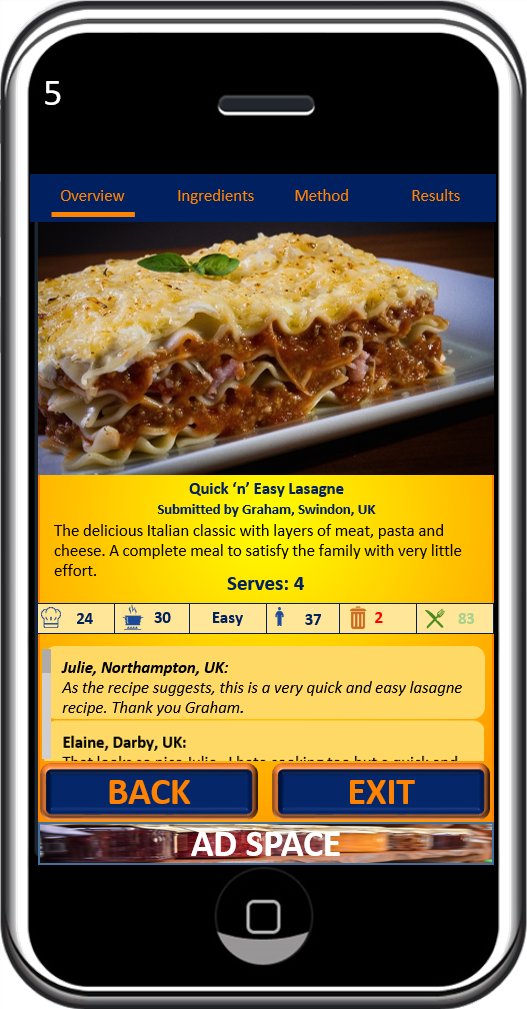
I then went on to convert those sketches into an increased fidelity (albeit still static) prototype . And here is the result of the prototyping exercise. Screen numbers correspond to the numbered boxes in the process flow diagram above:

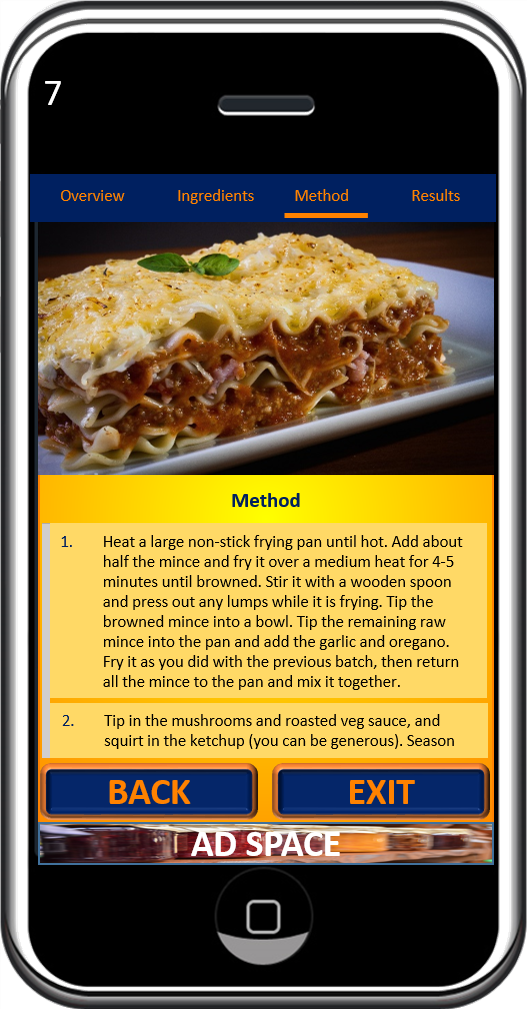
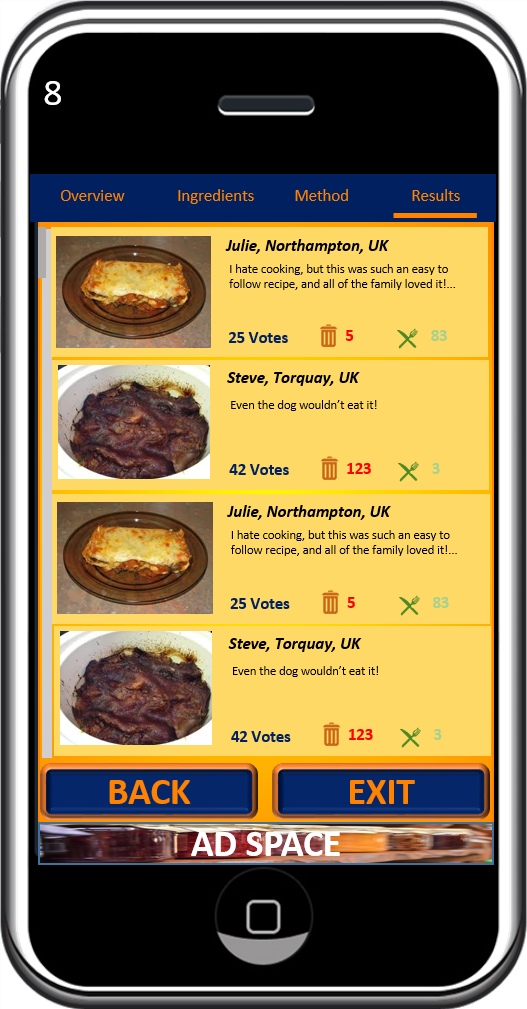
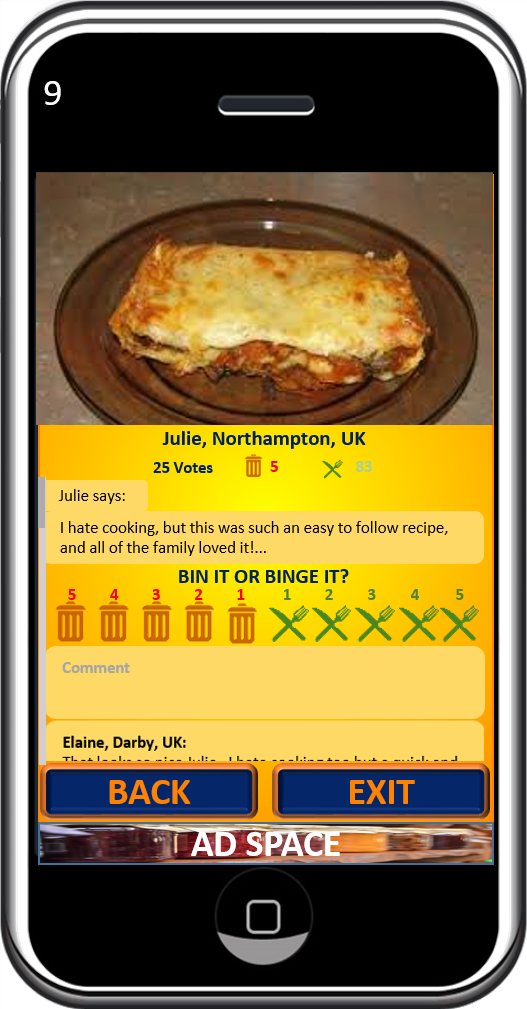


ENDS
 My Journey to App Success